How to access the Pterodactyl Panel
Once you've secured your server through our billing portal, getting into your control panel is a quick, automated process. Follow the steps below to start managing your server.
1. Check your Registered Email
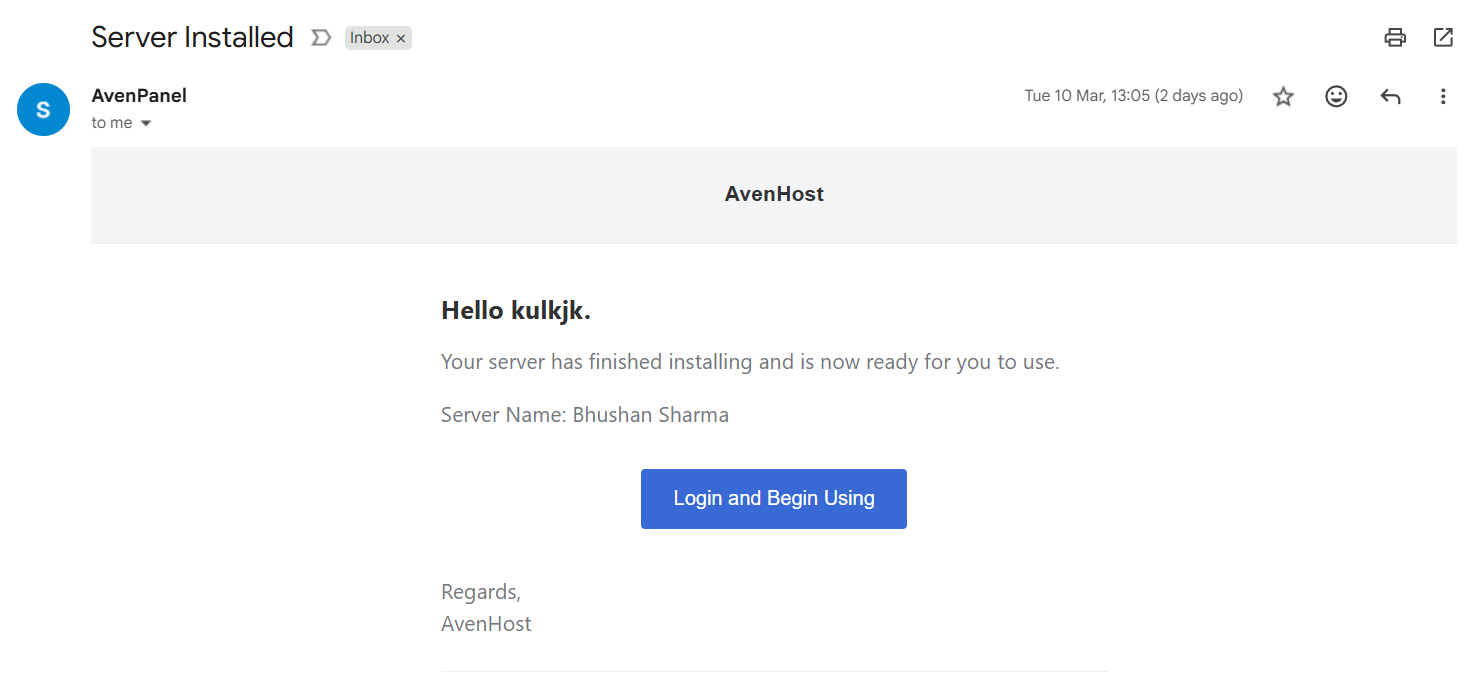
Immediately after your purchase is confirmed, our system sends an automated "Account Setup" email to your registered address. This email contains your panel username and a unique setup link.
2. Set up your Password
Click the link provided in the email. You will be redirected to the Avenhost Pterodactyl Panel where you can securely create a new password for your account.
3. Login and Manage Your Server
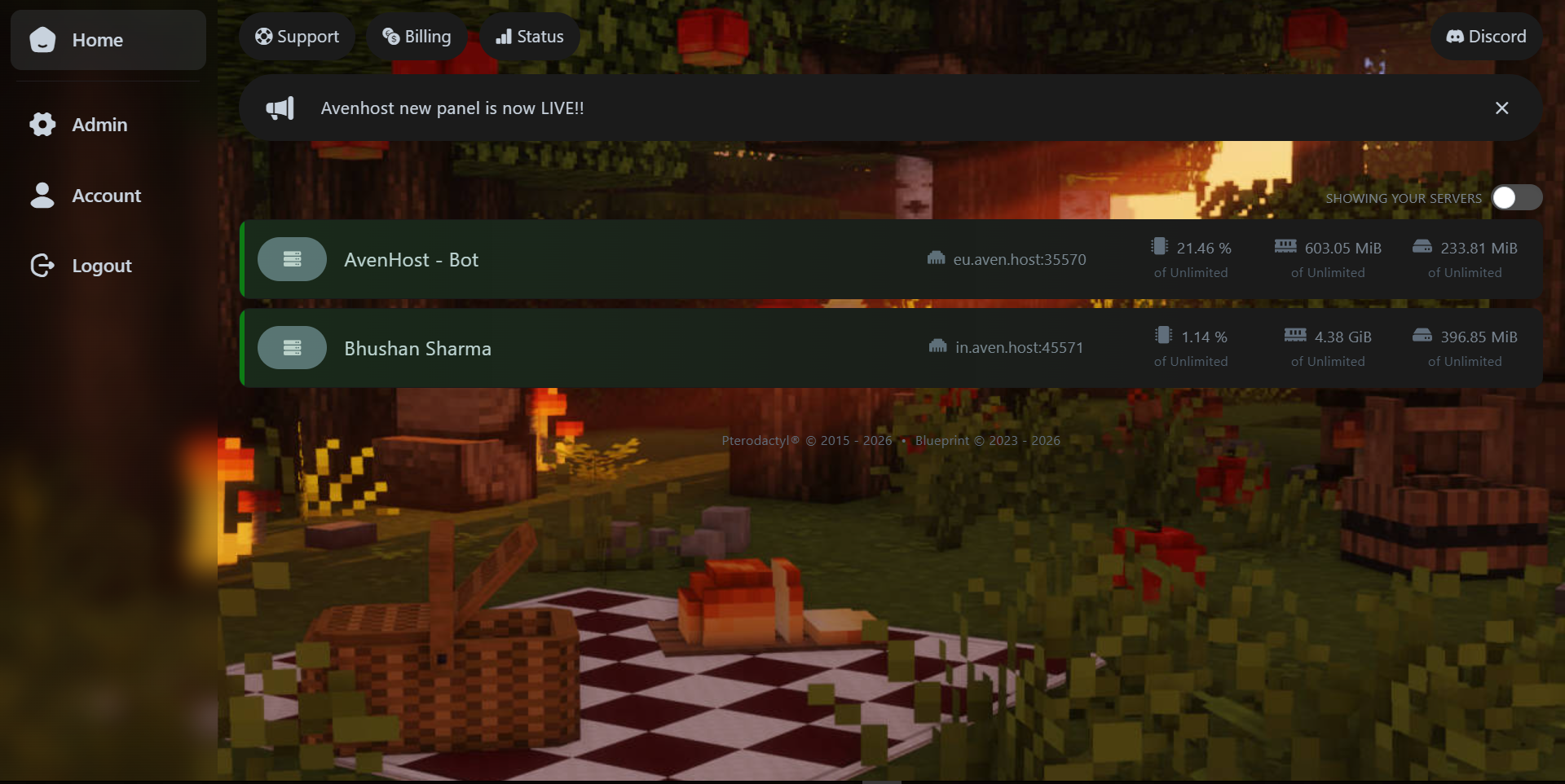
Once your password is set, login to access your Minecraft server dashboard. From here, you have total control over your instance:
- File Management: Edit config files or upload worlds directly.
- Plugins & Mods: Access the 'Files' or 'Startup' tabs to customize your gameplay.
- Console Access: Monitor server logs and issue commands in real-time.
Need more help?
If you face any issues with the setup link, feel free to open a ticket on our billing portal or reach out to our 24/7 support team.